PGGB / High-precision upsampling Your DAC. Reimagined.
PGGB is audio remastering software designed to improve how your DAC plays music.
Upsample music files on your computer before listening, or process the music as it plays.
Use PGGB at your desk, or control it from your phone or tablet.Mac + Windows · PCM + DSD Try PGGB for 30 days with no credit card needed. Free Lite afterwards.
Background
Upsampling on your computer.
Your DAC converts digital samples into sound. PGGB processes those samples on your computer before sending them to the DAC.
Many DACs calculate additional samples during conversion. They have to do it in real time within the limits of the DAC’s own hardware, which forces compromises.
PGGB moves this work to your computer, which has far more processing power and memory than a DAC. Process files in advance, or use Live while you listen.
Your trackThe music you have collected
Use music files you already own: WAV, FLAC, AIFF, ALAC, WavPack or DSD. Offline processing creates new files and keeps the originals.
To stream music, send audio from a supported player or network source through PGGB-Live. Qobuz and TIDAL work through compatible players or the PGGB audio driver.
PGGB upsamples your track by calculating additional samples between the originals, using up to 256-bit precision.
PGGB’s noise shapers and modulators then convert the upsampled track to the PCM or DSD format your DAC accepts, preserving the precision where you can hear it.
NOS / R2RNo oversampling, or a filter you can turn off.
PCM DACIncludes DACs that convert DSD to PCM.
Delta-sigmaWithout a separate pure DSD path.
Pure 1-bit DSDA direct DSD conversion path.
PGGB supports PCM, NOS, pure DSD and sigma-delta DACs. Choose the output format that best suits your DAC.
Many DACs reduce or bypass their own upsampling when they receive a high enough input rate. Sending them PGGB’s upsampled output takes advantage of that.
Try a familiar voice, the decay of a piano note or the texture of a bass string. Listen for a more natural timbre, clearer separation between instruments or a sense of depth.
Other listeners’ impressions are a useful guide, but the 30-day trial lets you judge PGGB in your own system.
OfflineUpsample files before listening.Upsample and save your library in advance. Play the upsampled files whenever you like.
PGGB Offline saves upsampled copies of your music files. Play them through your usual compatible player after processing is complete.
When to choose Offline.
Why choose Offline.
Process music in advance so your playback system does not have to do that work while you listen.
Play your upsampled music on multiple compatible setups, including portable audio players.
Play high-rate DSD even if your computer is not fast enough to process it in real time.
What to plan for.
Allow time to process albums before listening.
Upsampled copies need storage alongside your original files.
Changing processing settings means creating new copies from the source.
Your tracksOriginal music files
PGGBProcess in advance
Upsampled filesNew copies with tags and artwork
Player and DACPlay on your setup or take them with you
What you need.
A computer for processingSee suggested Mac and Windows requirements.
These offline-processing guidelines use the default Precision Optimized Upsampling Engine with Precision optimized selected. Memory use does not grow with track length, and paging space is rarely needed.
Operating system
Windows or Mac.
64-bit Windows 10 or 11, or macOS 12 Monterey or later. Apple Silicon and Intel Macs are supported. Intel and AMD processors must support AVX2.
Processor and memory
Recommended configurations.
A comfortable all-round system
8 cores · 32 GB RAM.
A modern processor and a fast internal SSD are a comfortable starting point for a large library. Smaller systems can also work well.
This is a practical guideline, not a fixed minimum for every setting.
Offline PCM · up to 256-bit precision
16 GB RAM.
4-core processor
A starting point for PCM processing with the default engine. More cores can shorten processing time.
Once you have enough RAM, a faster processor and faster RAM usually help large PCM batches more than additional capacity.
Offline DSD · up to DSD256
16 GB RAM.
4-core processor
A starting point for DSD64, DSD128 and DSD256. Your chosen modulator also affects processing time.
Offline DSD · DSD512
24 GB RAM.
At least an 8-core processor
More cores can help with demanding settings and larger libraries. The selected modulator affects processing speed.
Offline DSD · DSD1024 and DSD2048
32–64 GB RAM.
More cores recommended
The highest DSD rates benefit from additional cores and memory, especially when you want faster processing.
Music files and storageEstimate the space for your processed albums.
Start with PCM or DSD music files, such as WAV, FLAC, AIFF, WavPack or DSF. PGGB saves new files with their metadata and artwork; a streaming subscription alone does not provide files for Offline processing.
Choose the output you plan to use and estimate the space for the new files.
Storage for upsampled files
Stereo files in the 44.1 kHz rate family. The estimate uses the file’s stored bit depth, not PGGB’s internal processing precision.
Compression assumes a 30% saving; actual file sizes vary with the music and output settings. Leave room for your originals, temporary processing files and future albums.
GiB and TiB are binary storage units. Drive labels usually use decimal GB and TB.
Your music sourceFiles, a compatible player or a network source.
Play your own files directly, or send music from a compatible player or UPnP source. Qobuz and TIDAL can be used through a supported player or connection.
PGGB upsamples the music during playback, so you do not need to save a processed copy. The music still comes from your source.
Your DAC and connectionChoose an output the whole path supports.
Choose your DAC.
NOS / R2RNo oversampling, or a filter you can turn off.
PCM DACIncludes DACs that convert DSD to PCM.
Delta-sigmaWithout a separate pure DSD path.
Pure 1-bit DSDA direct DSD conversion path.
Your DAC needs to accept the PCM or DSD format and rate you choose. Check the connection and driver as well as the DAC itself.
Connect your DAC to the processing computer, or use a compatible network DAC or endpoint. With a network connection, you can keep the processing computer away from the listening system.
Reported as used with PGGB by listeners or by us. The badge does not imply laboratory verification or measurements.
NOS / R2R.
Recommended output rate
The highest PCM rate your DAC supportsPreferredTypically 8fS to 32fS, at the highest bit depth your DAC accepts. Optimal noise shaping at 256-bit precision.
The highest PCM rate your DAC supportsPreferredTypically 8fS to 16fS, at 24 or 32 bits, whichever your DAC supports. Optimal noise shaping at 256-bit precision. Where the DAC’s own filter cannot be turned off, choose a linear sharp roll-off filter if one is offered.
The highest DSD rate your DAC supportsPreferredTypically DSD128 to DSD512. 19th or 25th order modulator. If your DAC uses an ESS chipset, start at 9th order for the DSD modulator and move up; stop if you hear low-level noise.
Adjust bass, midrange or any other frequency band.
Equalization changes the balance of bass, midrange and treble. You can add warmth to lean-sounding headphones, reduce excessive brightness or tame a bass peak caused by your speakers and room.
Make a broad, gentle adjustment or target a narrow frequency range without turning down the whole track. PGGB supports parametric and convolution EQ in Offline and Live, including correction profiles you already use.
Because EQ is applied at PGGB’s full processing precision, it is transparent and does not add processing noise.
If a familiar voice sounds thin or bass overwhelms the music, PGGB-EQ lets you adjust the balance while keeping the sound clear and natural.
Parametric EQ.
Parametric EQ lets you choose which frequency to adjust, how much to raise or lower it, and how broad the adjustment should be. Use it for small changes to taste or a headphone correction profile.
Convolution EQ.
Convolution EQ uses a prepared filter that can contain multiple adjustments. Supply a filter made for your headphones or measured for your speakers and room, and PGGB applies it during processing.
EQ can improve tonal balance, but a filter cannot fix every acoustic problem. Speaker placement, the room and the recording still affect the sound.
Room and CrossfeedAdjust headphone crossfeed with PGGB-ARC
Crossfeed lets each ear hear a little of both channels.
With speakers, sound from each speaker reaches both ears. Headphones usually keep the left and right channels separate. Crossfeed mixes a small, delayed and filtered amount of the opposite channel into each ear.
PGGB-ARC models some of this interaction, including the time sound takes to travel around your head and how it changes on the way. It can make the channels feel more connected while preserving stereo space.
PGGB-ARC runs at PGGB’s full processing precision, so crossfeed adds no rounding errors of its own.
In an older stereo recording, the singer may be entirely in one ear and the instruments in the other. Crossfeed can soften that separation and make the performance sound more cohesive.
Adjustable crossfeed strength.
A small amount softens hard left/right separation. Increasing it sends more of the opposite channel to each ear. The aim is comfortable stereo listening, rather than a mono blend.
Personal head measurements.
Your head and shoulder dimensions affect how sound reaches your ears. ARC can use personal measurements to refine its crossfeed model, and its virtual speaker angle changes the listening perspective.
Optional Room reflections.
Optional Room reflections add the early echoes and fading reverberation associated with listening in a room. This is separate from crossfeed and is available for Offline processing. Crossfeed itself works in both Offline and Live.
The effect varies with the recording, headphones and listener. Crossfeed is another option for stereo listening; it does not make headphones sound identical to speakers in a room.
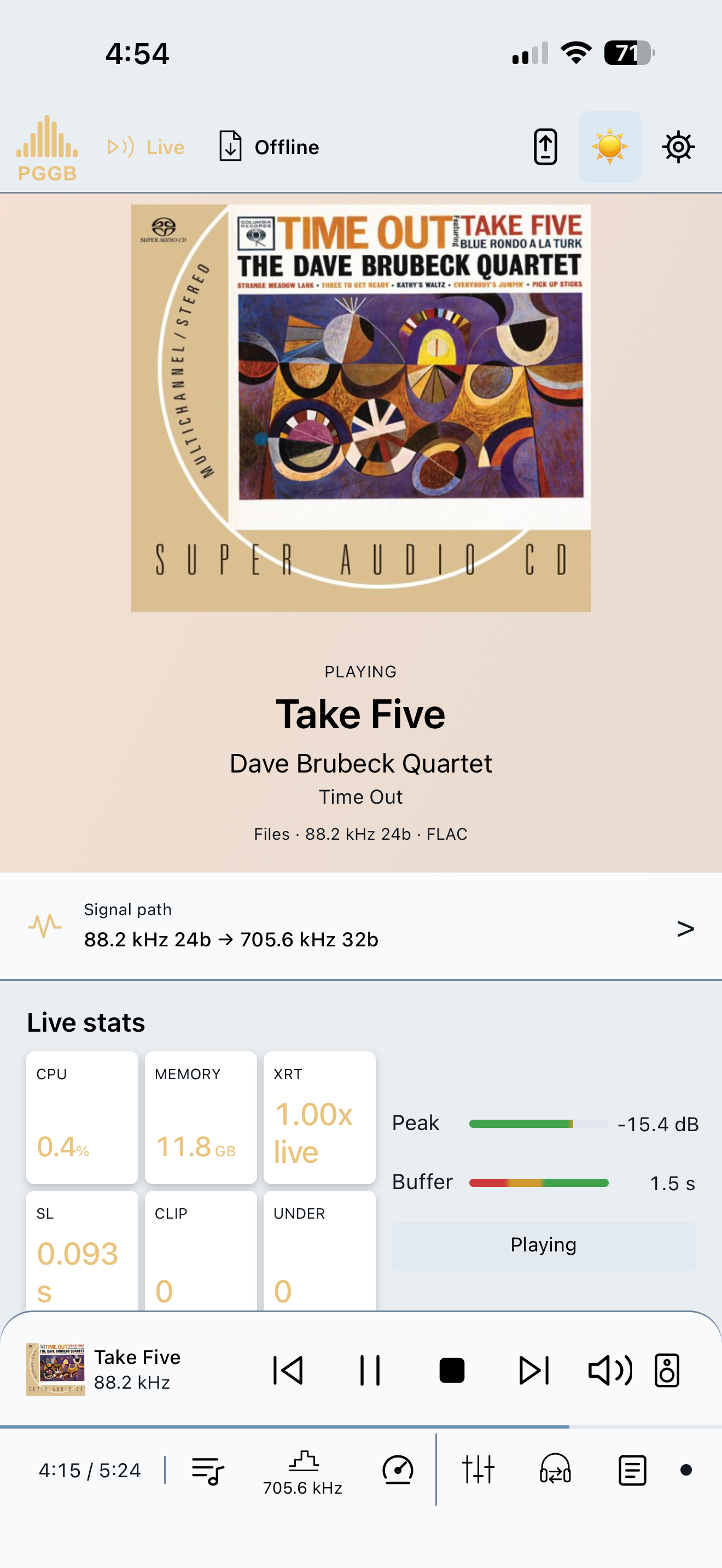
PGGB-Remote runs in the browser on your phone, tablet or another computer on the same home network. See the current track, manage the queue and control playback without returning to your desk.
The PGGB computer still processes the audio and sends it to your DAC. Remote controls Live playback and Offline processing; it does not carry the audio.
Remote also has a Process view for Offline file processing: select folders, set output options, start, pause or stop the job, and follow progress.
Choose the next track from the sofa while your computer processes the music and your DAC plays it.
A DAC preset supplies starting settings for your model, so you do not have to choose every setting before listening.
The DAC model, input, player and connection determine which formats and rates will play. Adjust the suggested settings as you find what suits your system.
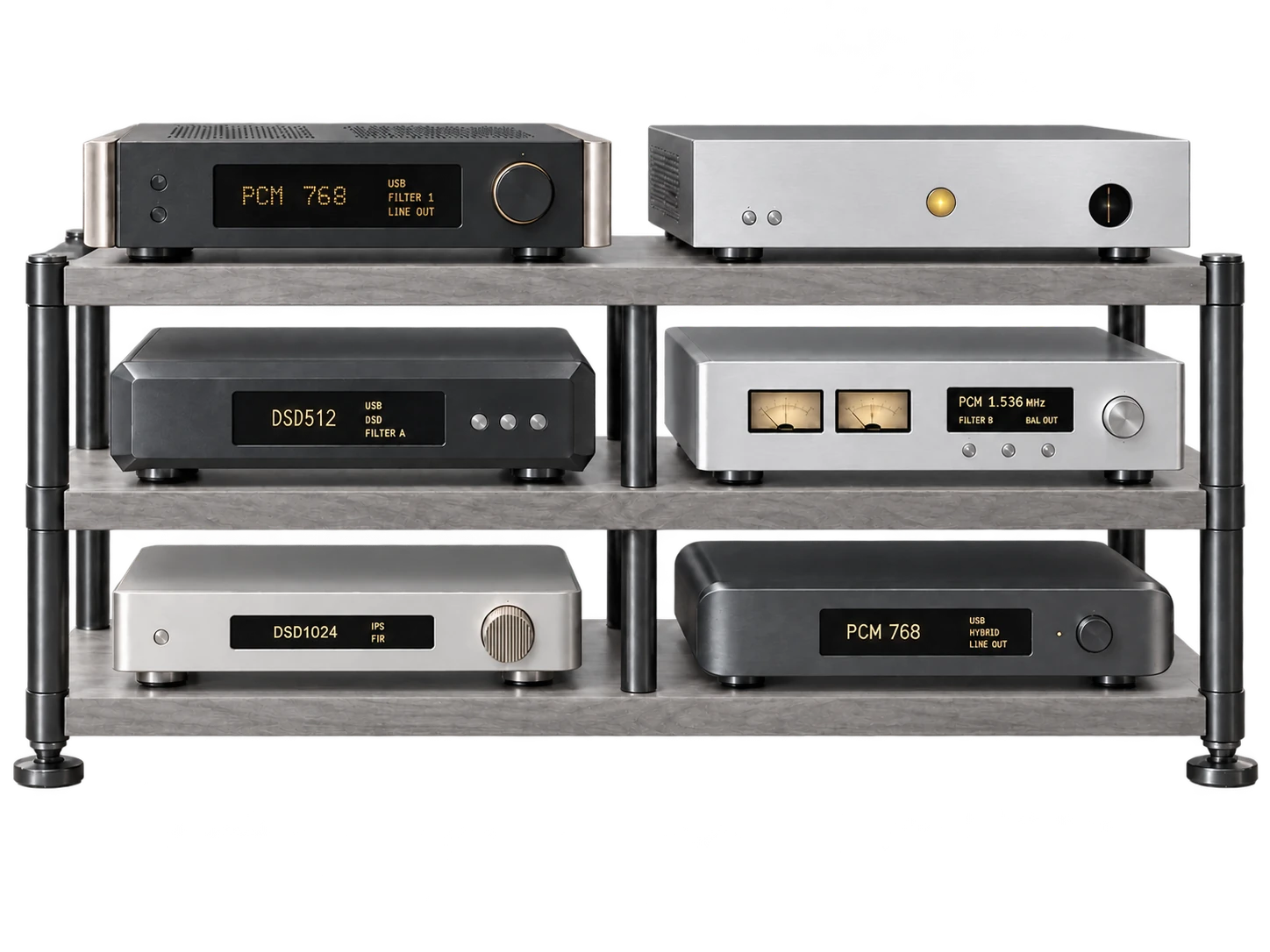
Look up your DAC here, then open Get started to set up PGGB with it.