What it is.
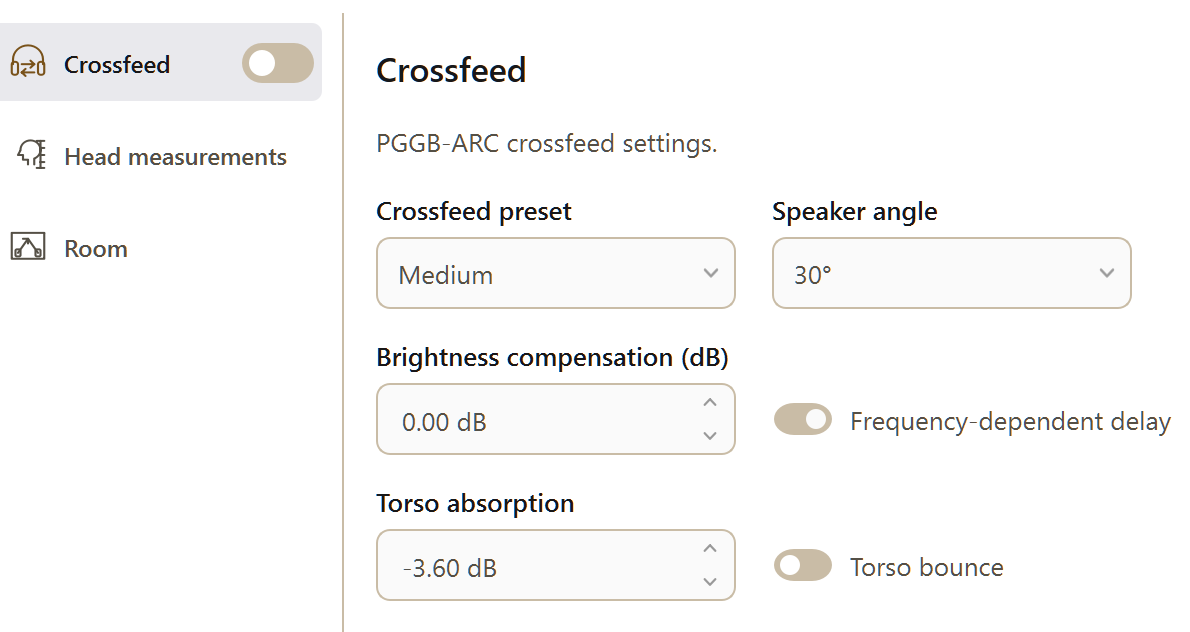
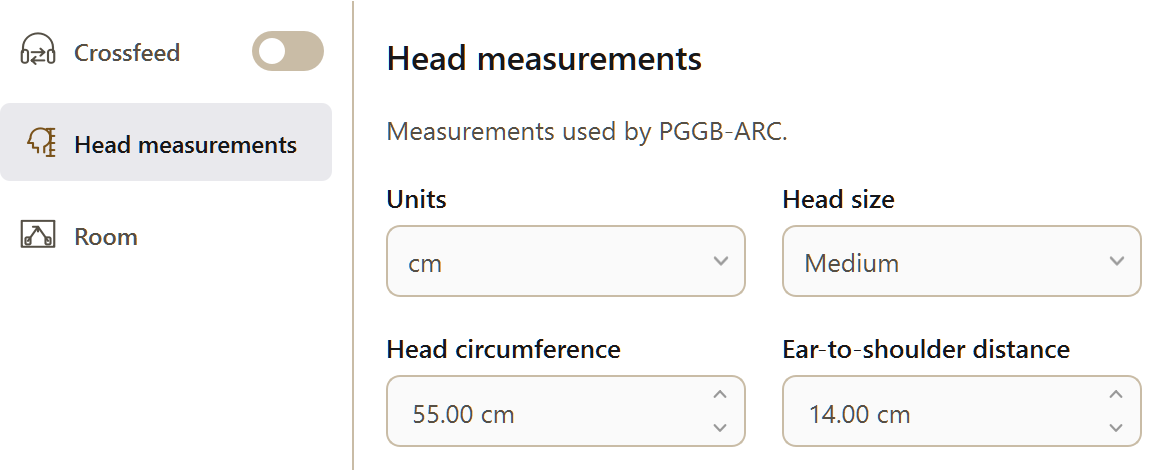
PGGB-ARC is designed to make headphone listening more natural and comfortable. ARC stands for Anthropometric Room and Crossfeed. It combines crossfeed, optional head and shoulder measurements, and a room effect. Introduced in V9, it is available under Settings → Personalize Sound → PGGB-ARC, alongside EQ. Gain and Silence are under Settings → Offline.
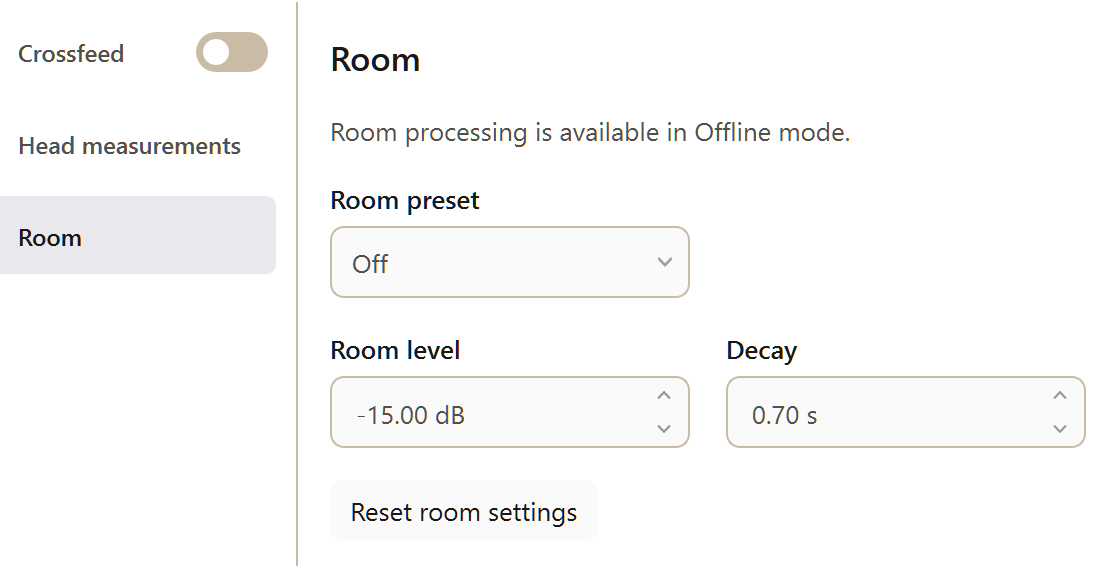
ARC has two independent effects. Crossfeed sends a small amount of each channel to the opposite ear, with filtering and delay that model part of what happens when you listen to speakers. Room adds reflections and reverberation to create a sense of space. You can use either effect or both.
Turn on PGGB-ARC using its enable toggle. It is disabled by default. The three panes are Crossfeed, Head measurements and Room. Anthropometry means body measurements; here, it lets you adjust the model to your head and shoulder dimensions. The panes remain grayed out until ARC is enabled.
We recommend starting with crossfeed alone. ARC provides selected spatial cues for headphone listening; it does not attempt to reproduce every aspect of listening to loudspeakers.
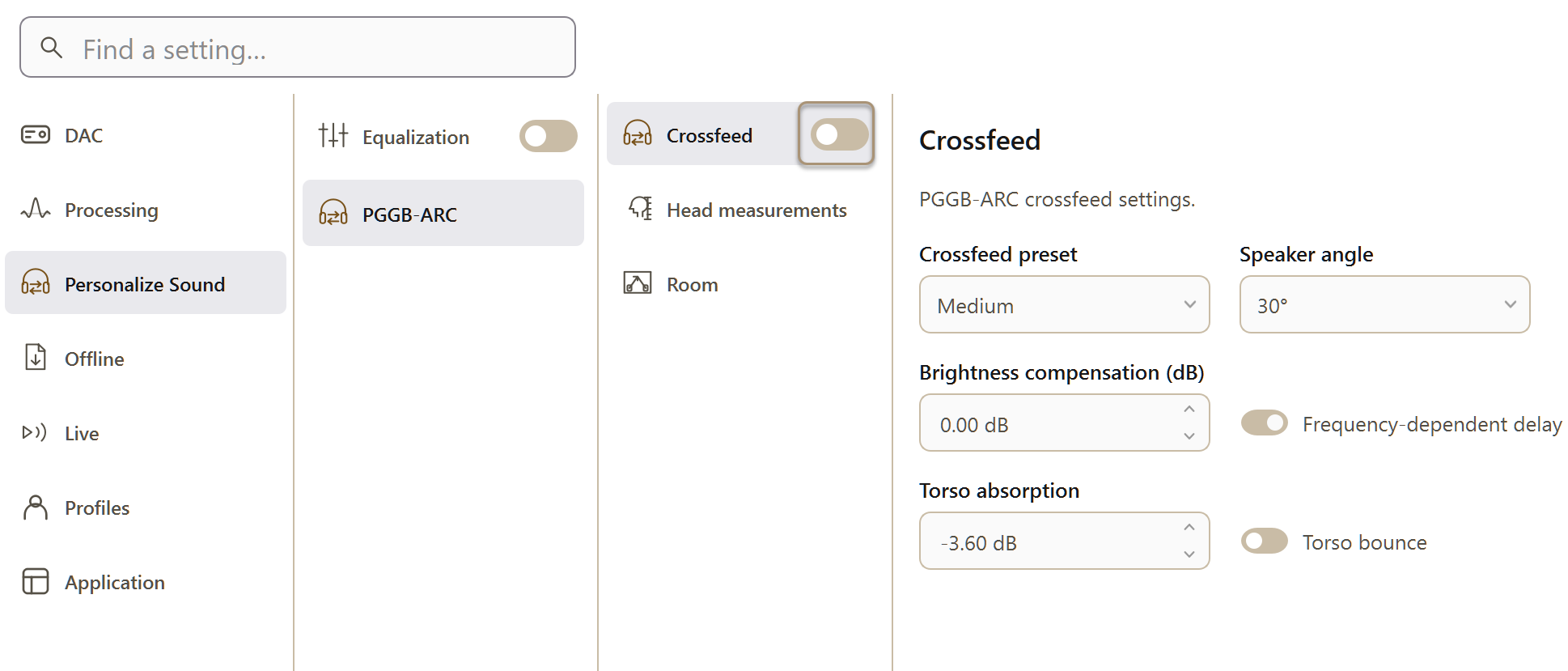
The highlighted PGGB-ARC panel. Turn on PGGB-ARC to activate the Crossfeed, Head measurements and Room settings.